Keep aspect ratio
- Changing one dimension updates the other to preserve the image shape.
- Use it for photos, website images, and any destination that accepts the original ratio.
- This avoids a stretched or squashed result.

Set an exact width and height for profile photos, product images, banners, forms, and other pixel-based requirements. Keep the original shape or unlock the ratio when an exact size is mandatory.
Your images are processed locally in your browser. They are never uploaded to a server.
These real outputs were made from the same 1536 × 1024 source through this Resize Image tool. Exact dimensions are useful when a website or form gives you a pixel requirement.
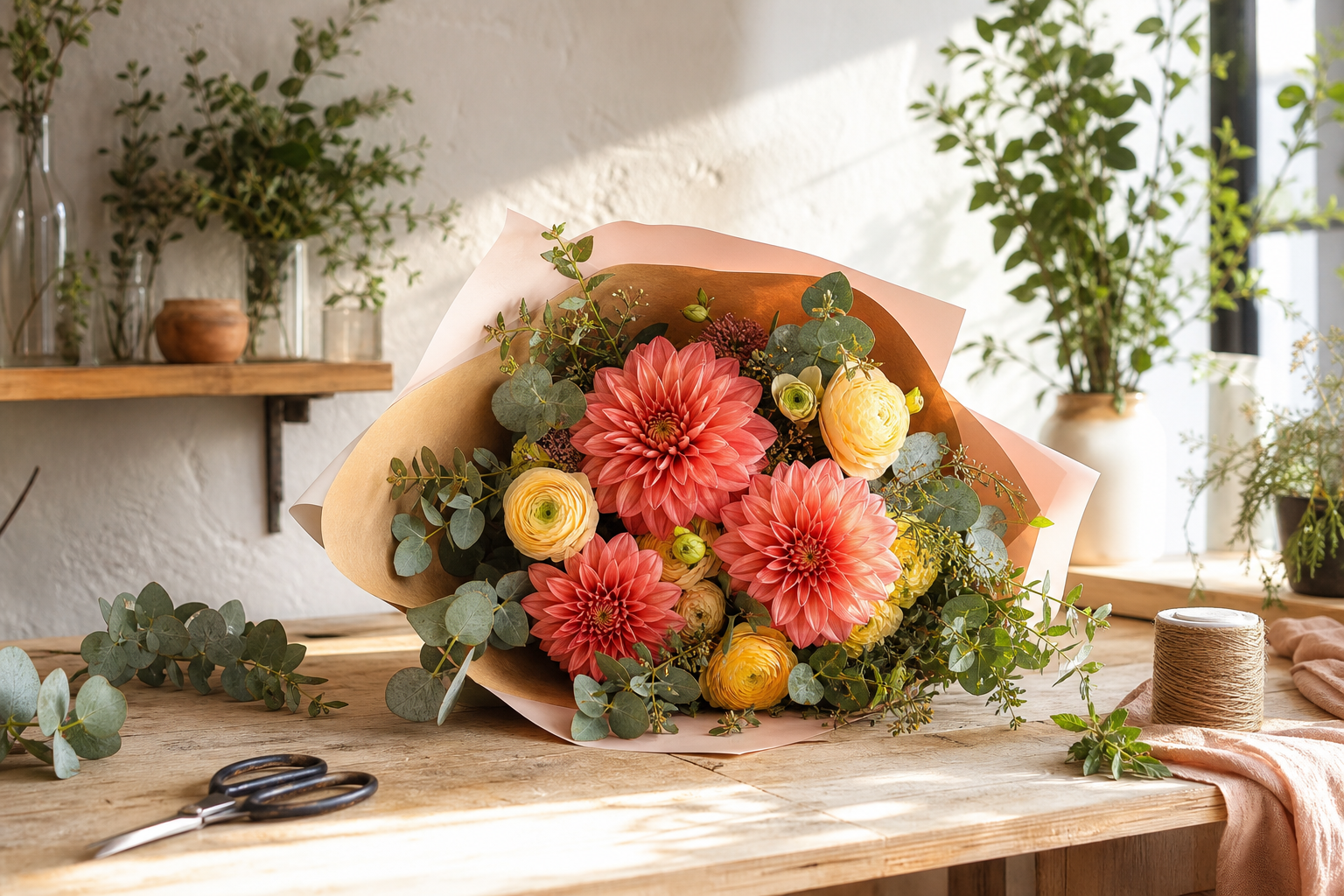
Each output keeps the complete 3:2 image. Only its pixel dimensions change.
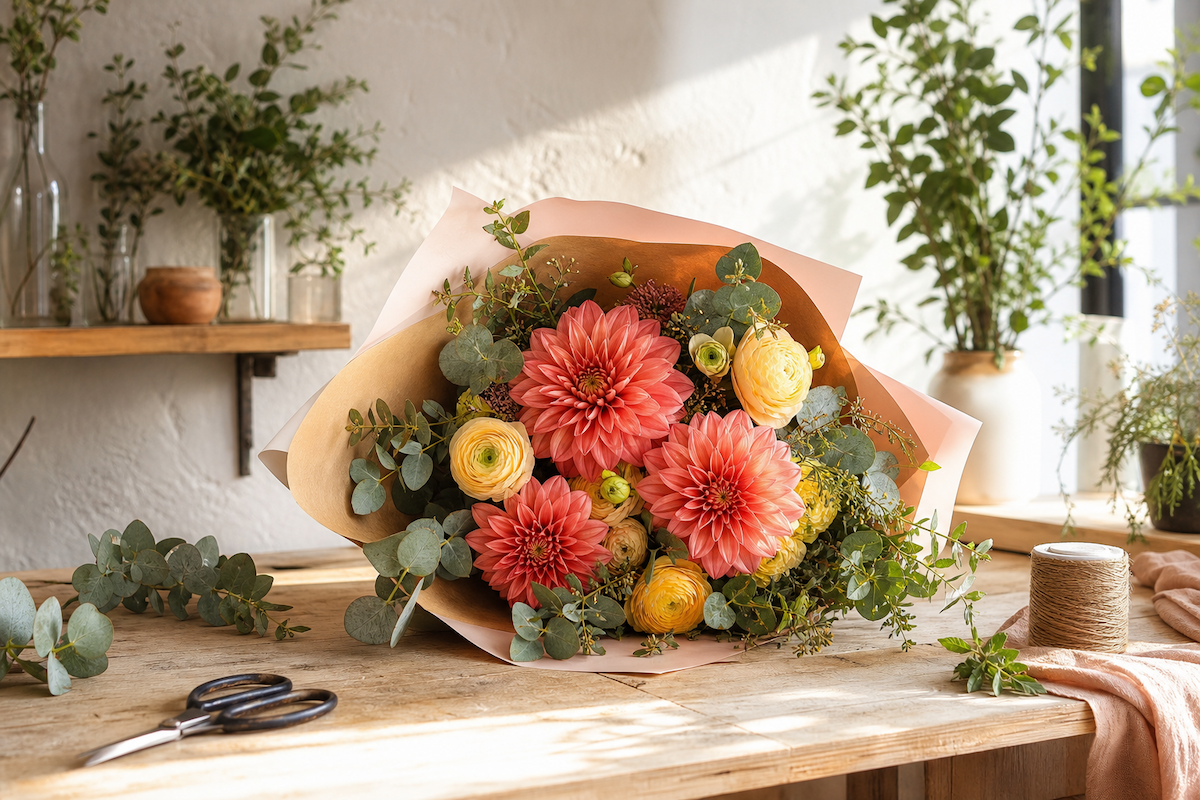
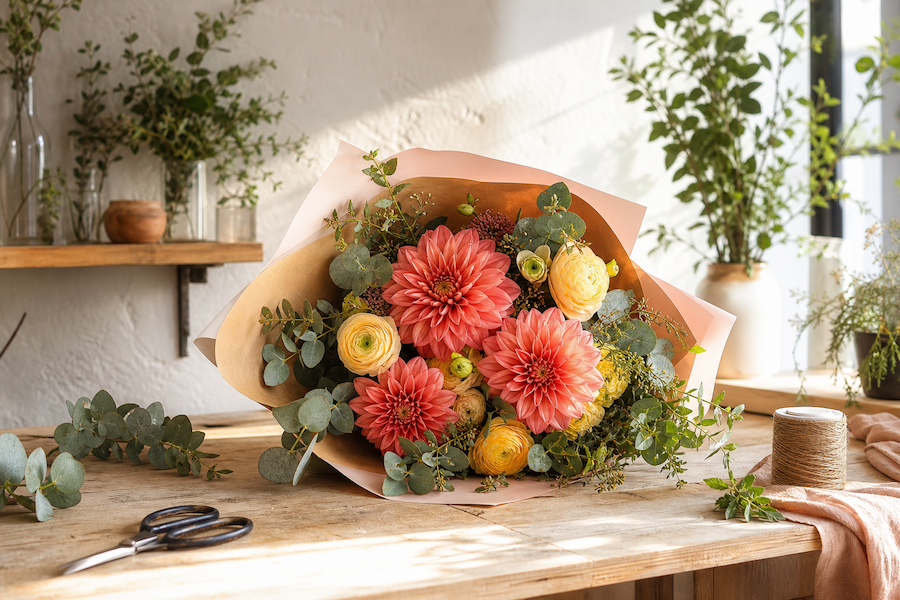
Use the ratio lock for ordinary resizing. Turn it off only when the destination requires a particular width and height.
There is no universal best image size. Use the dimensions requested by the place where the image will appear.
Check whether the destination requires a square or a specific pixel size.
Keep the original ratio unless the page layout calls for a different crop.
Resize first, then use Image Compressor when file size also matters.