1:1 square
A compact shape for square image areas and profile-style layouts.

Drag a free crop area for one image, or apply a fixed ratio and alignment recipe to a batch.
Your images are processed locally in your browser. They are never uploaded to a server.
Each example below was created from the same 1536 × 1024 source through this Crop Image tool. In single-image mode, you can reposition the crop area before exporting.
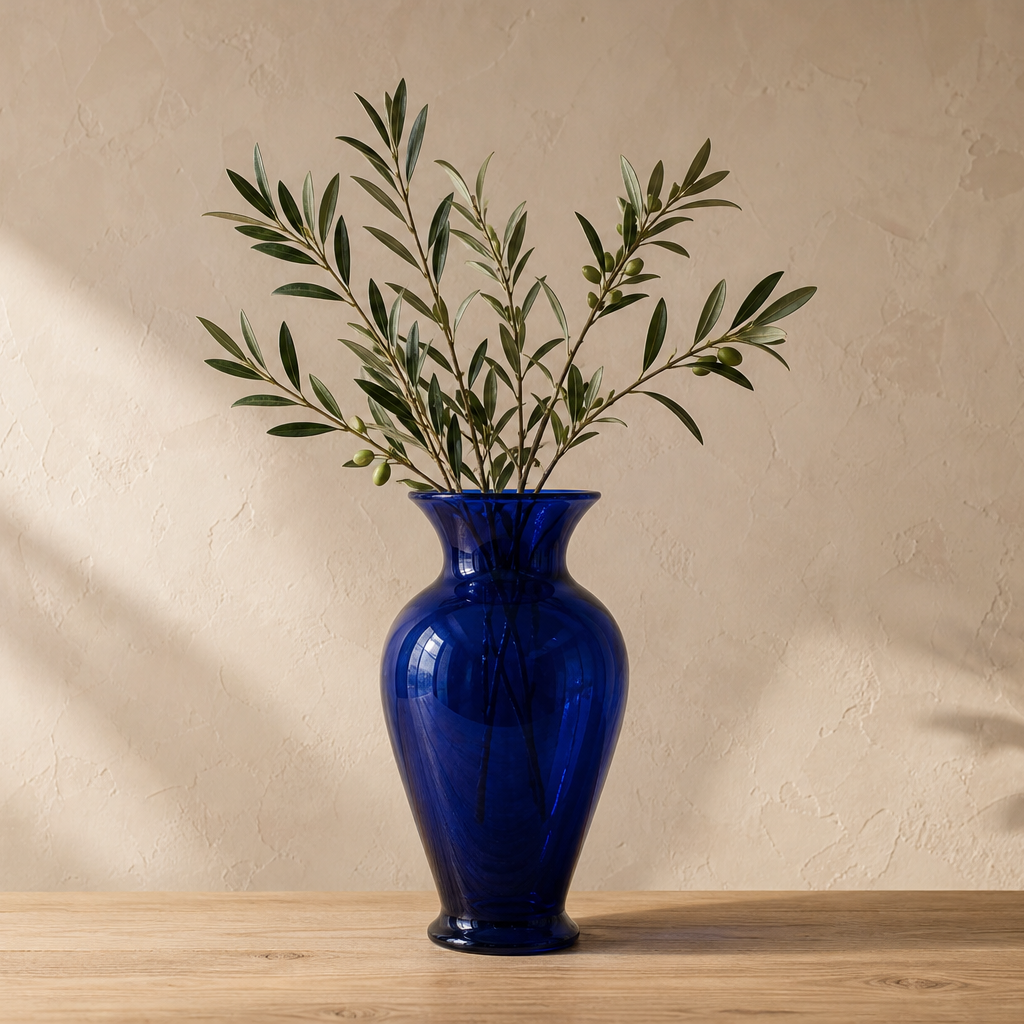
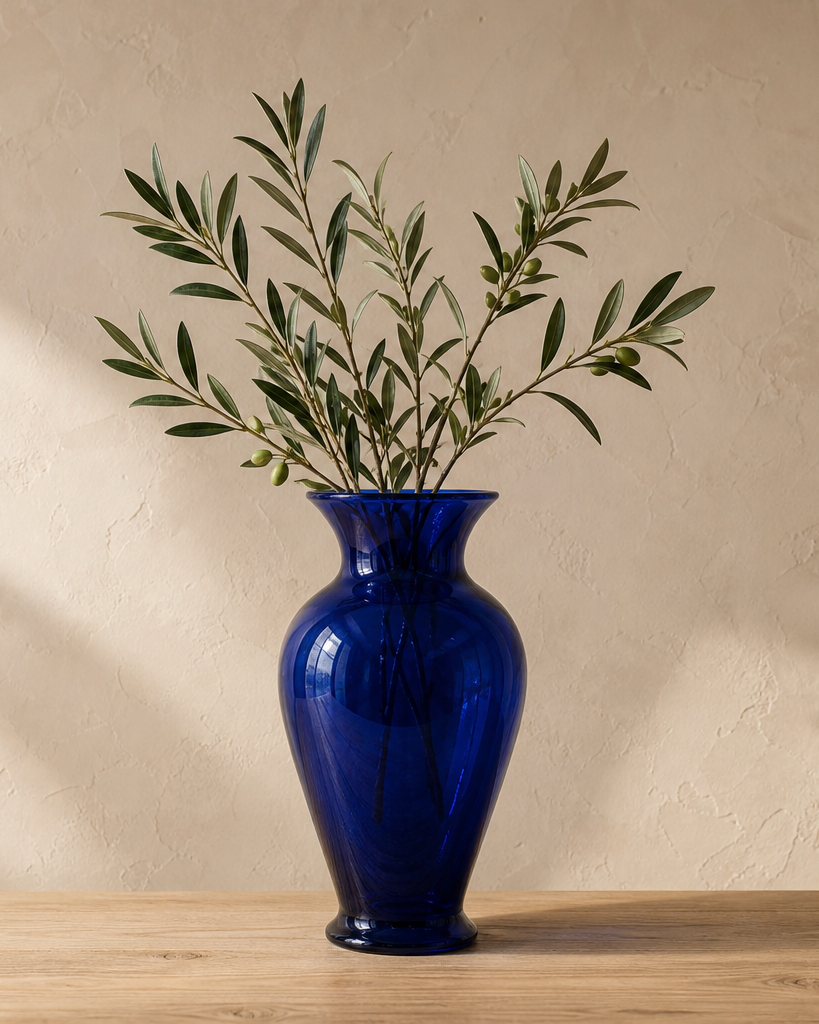
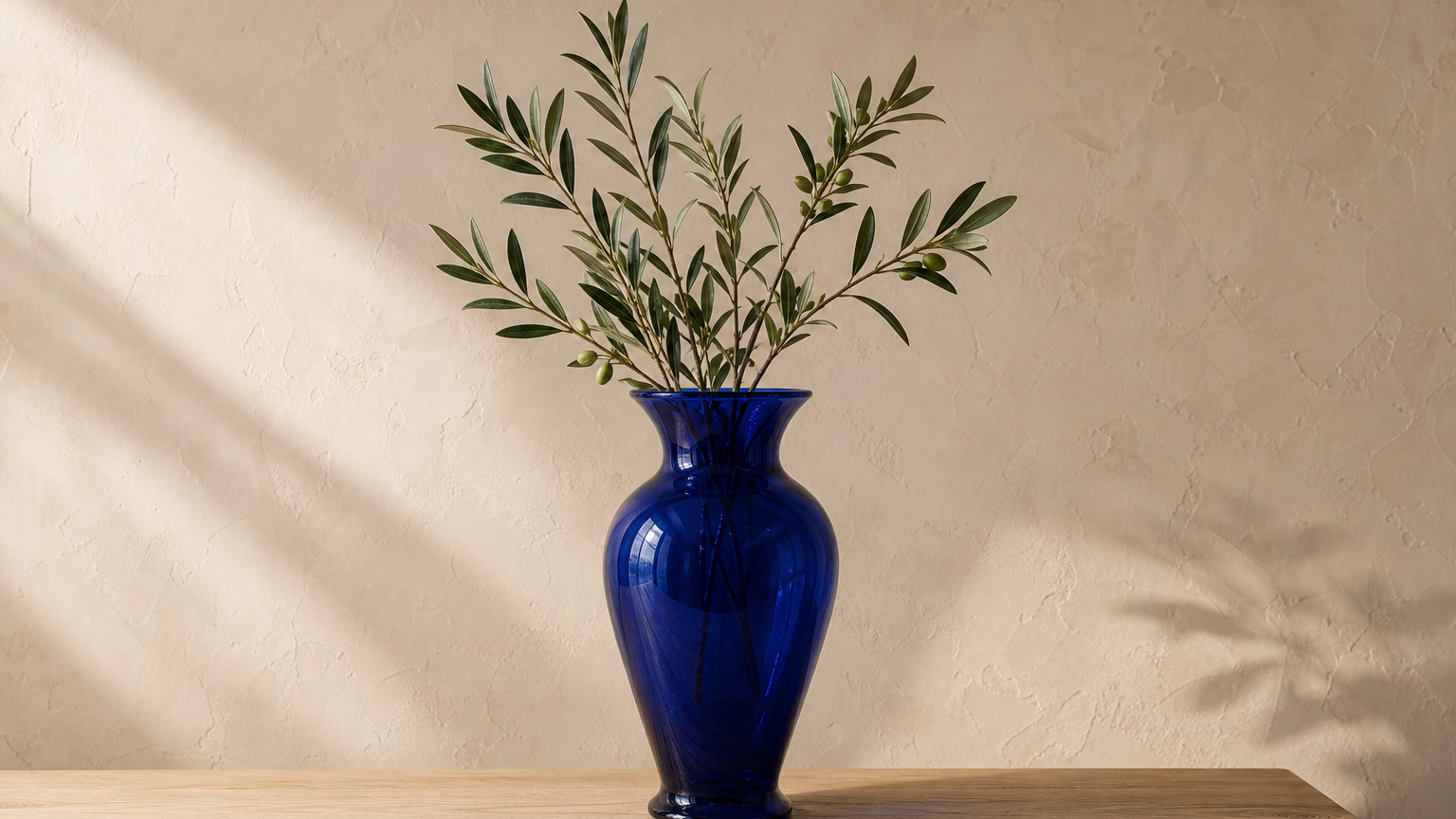
The right ratio is the one that matches the space where the image will appear.
A compact shape for square image areas and profile-style layouts.
A taller frame when the design calls for a vertical image.
A wider frame for banners, covers, and presentation-style spaces.
If the cropped file still needs to meet an upload limit, use Image Compressor after cropping.
Use a free crop when framing one image. Use a repeatable recipe only when the same ratio and alignment make sense for every image.