Quality controls visible detail
Lower values remove more data and can soften fine texture.

Make images smaller for uploads, email attachments, and web pages without installing software.
Your images are processed locally in your browser. They are never uploaded to a server.
Compare the 813 KB original with the 325 KB result at 80% quality. Drag the divider to inspect texture, edges, and fine detail.
At 80% quality, the photo becomes 325 KB while keeping the scene clear and detailed.
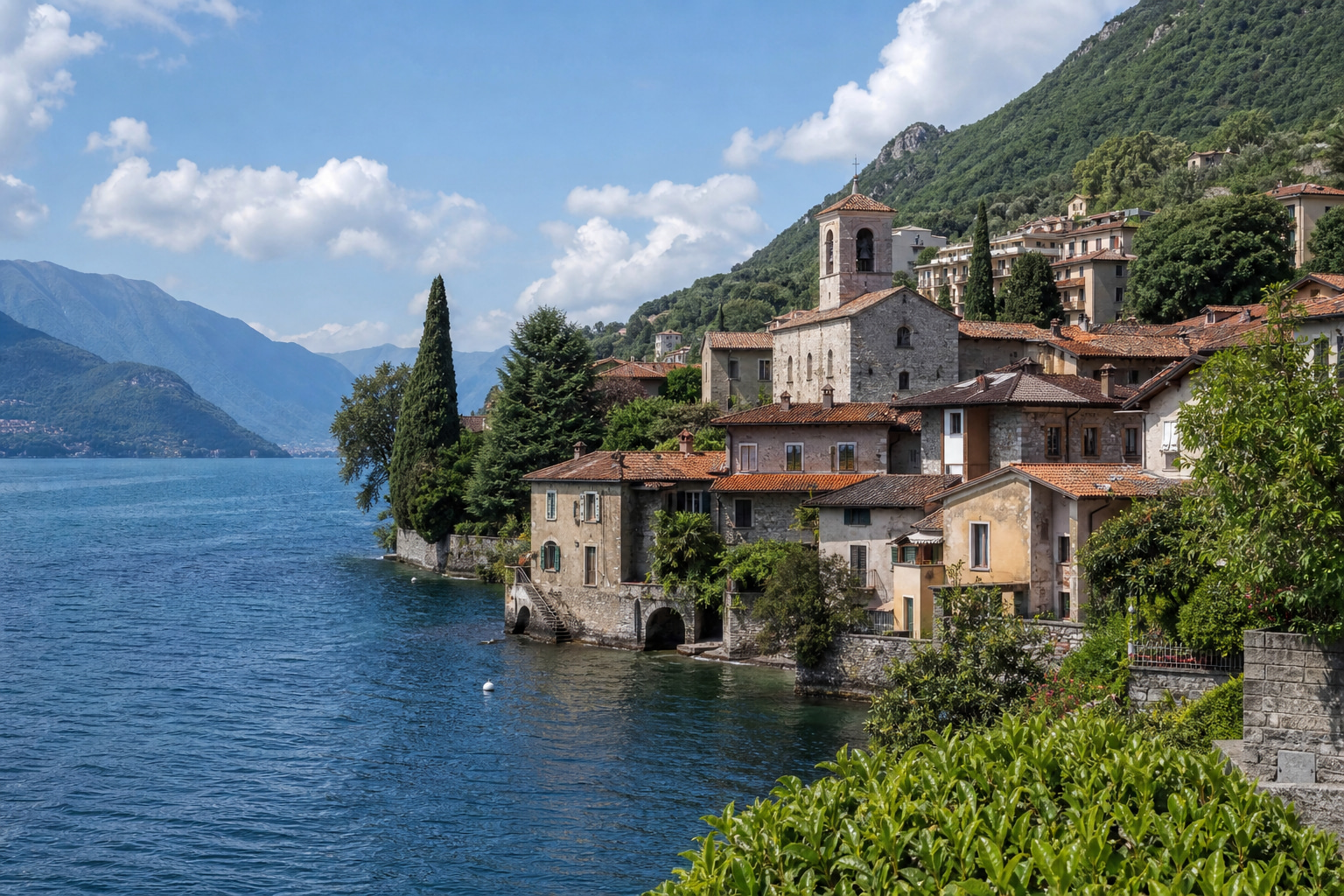
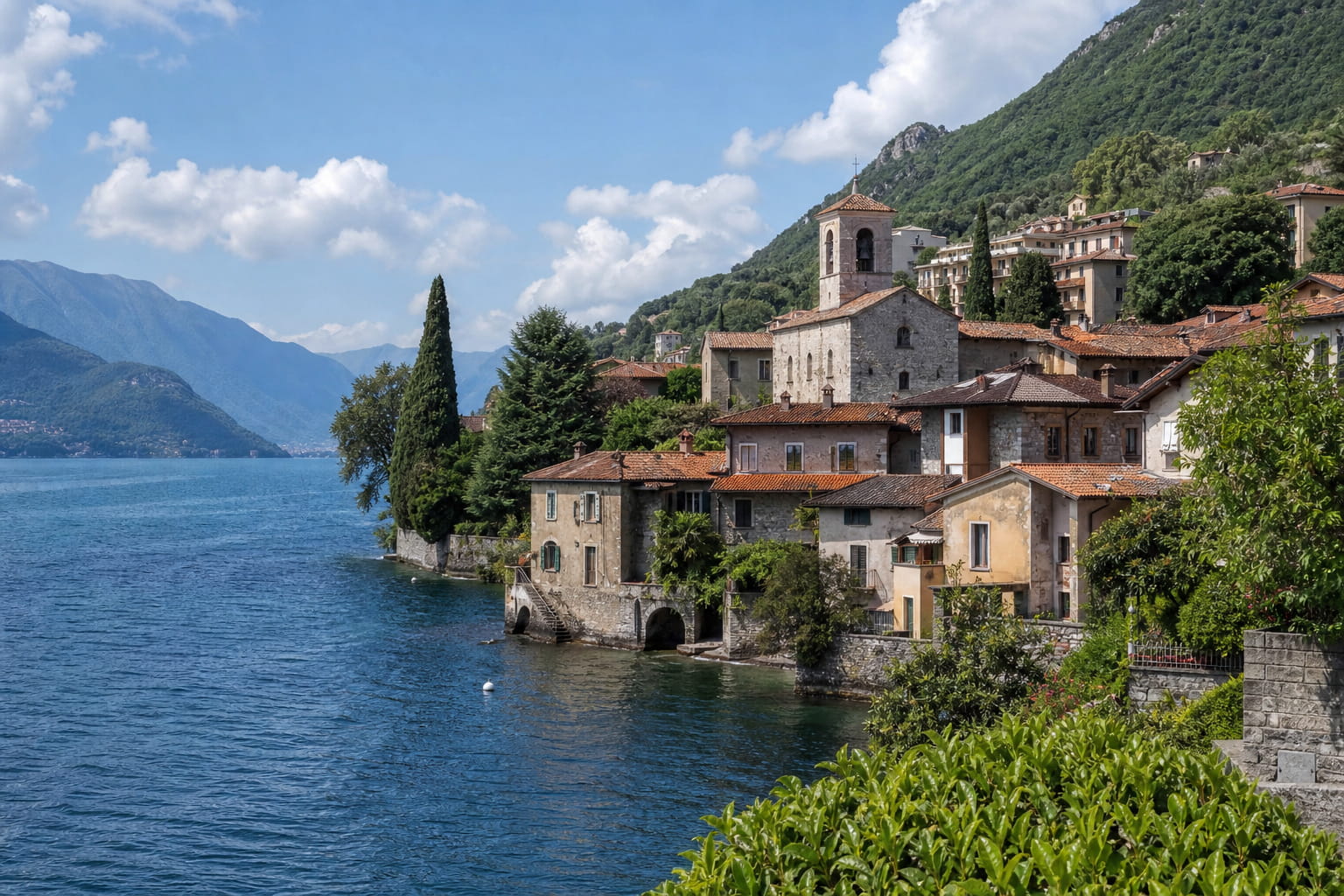
Lower quality reduces file size. The right choice depends on the photo and where you will use it.
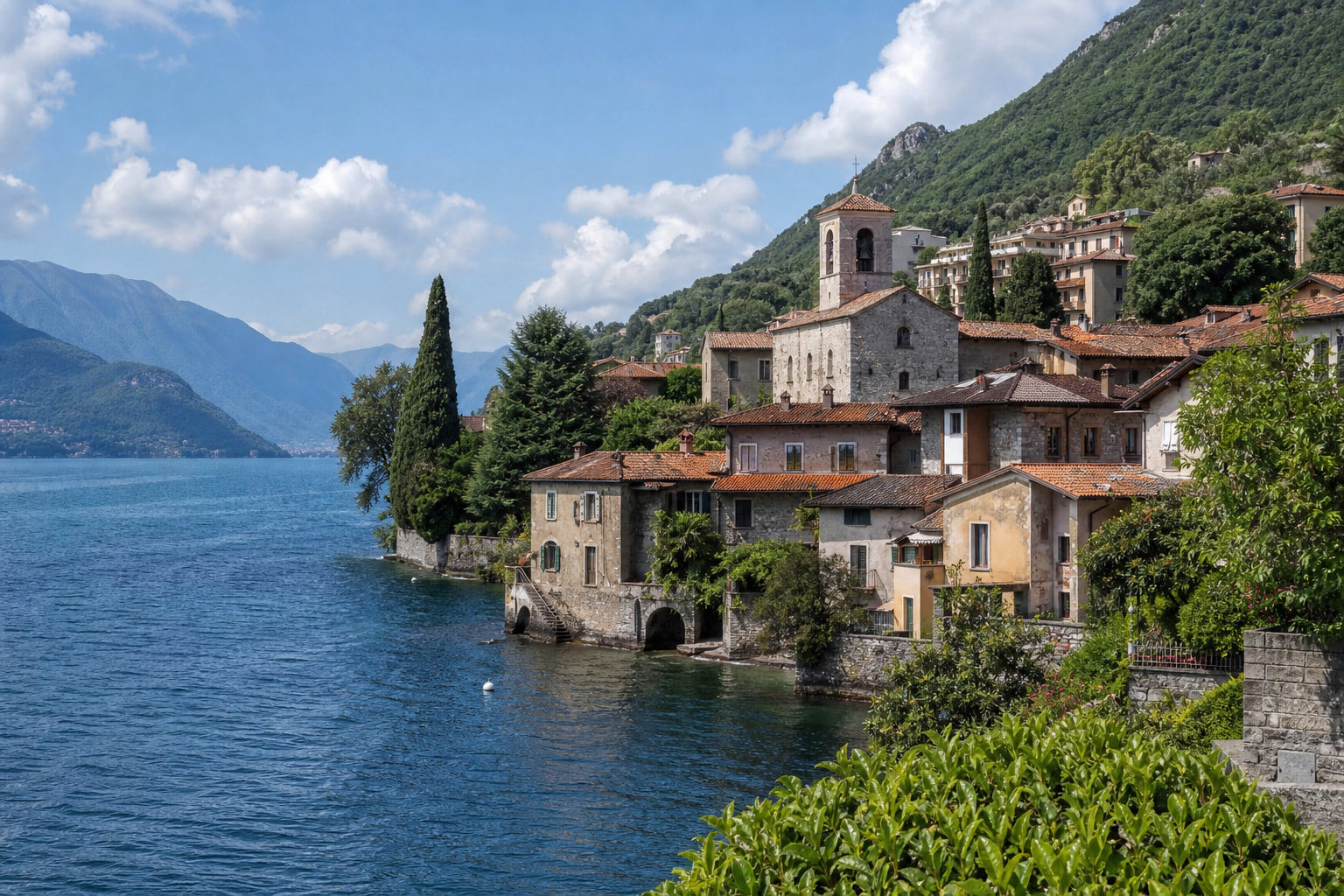
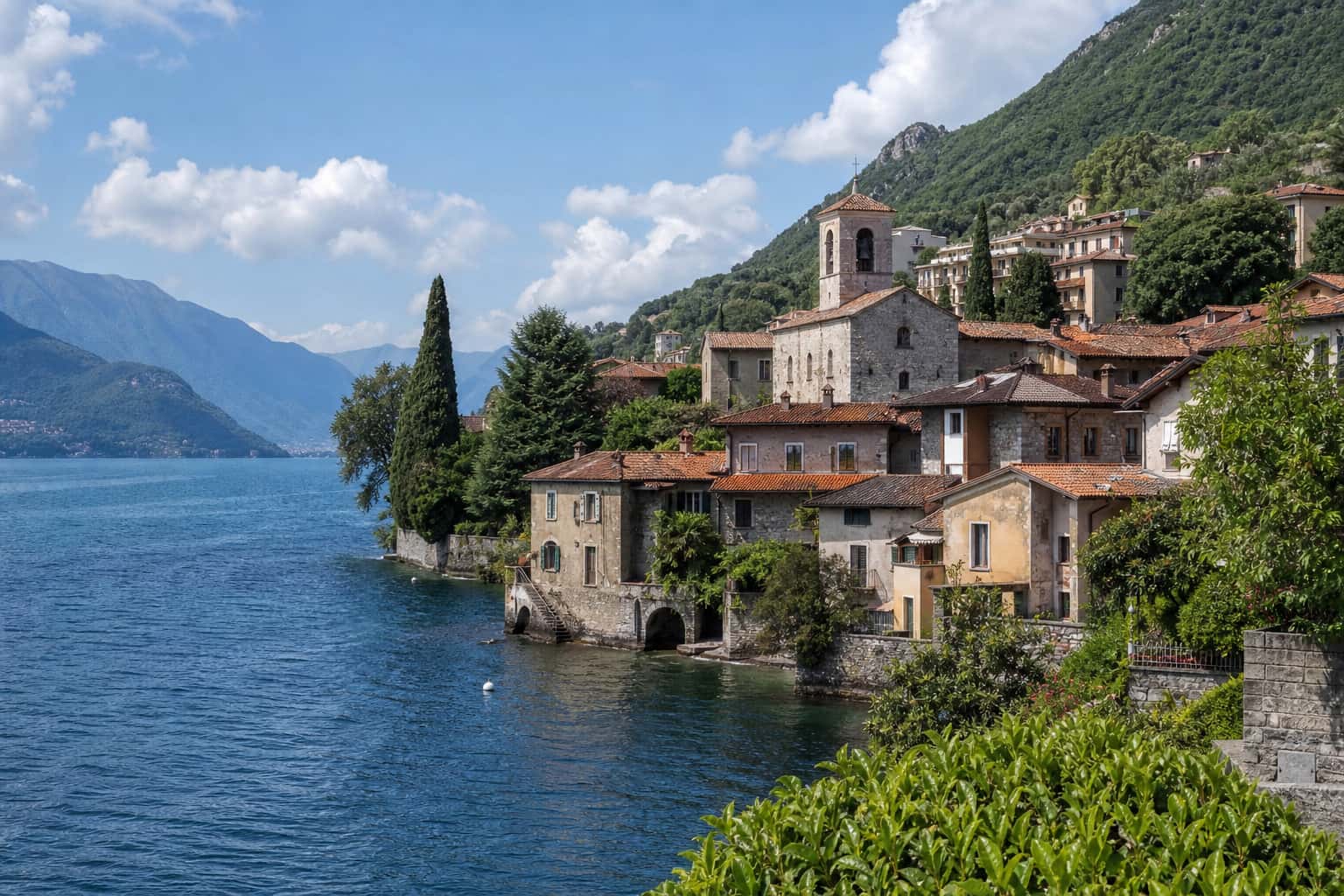
Results vary with image detail. Compare the quality levels and choose the smallest file that still looks clear.
Use the controls to balance visible detail against file size, then check the result before sharing.
Lower values remove more data and can soften fine texture.
They are useful for upload limits, email attachments, and web pages.
Complex images may not reach a very small target without heavy quality loss.
Compressing and converting are separate choices. Keep the source format unless the place you share to needs another one.