Email attachments
Smaller photos are easier to send and receive.

Make JPG photos smaller for upload limits, email attachments, and faster web pages without changing their pixel dimensions.
Your images are processed locally in your browser. They are never uploaded to a server.
Compare the 813 KB original with the 325 KB result at 80% quality. Drag the divider to inspect texture, edges, and fine detail.
The 325 KB result is about 60% smaller while keeping the photo clear and detailed.
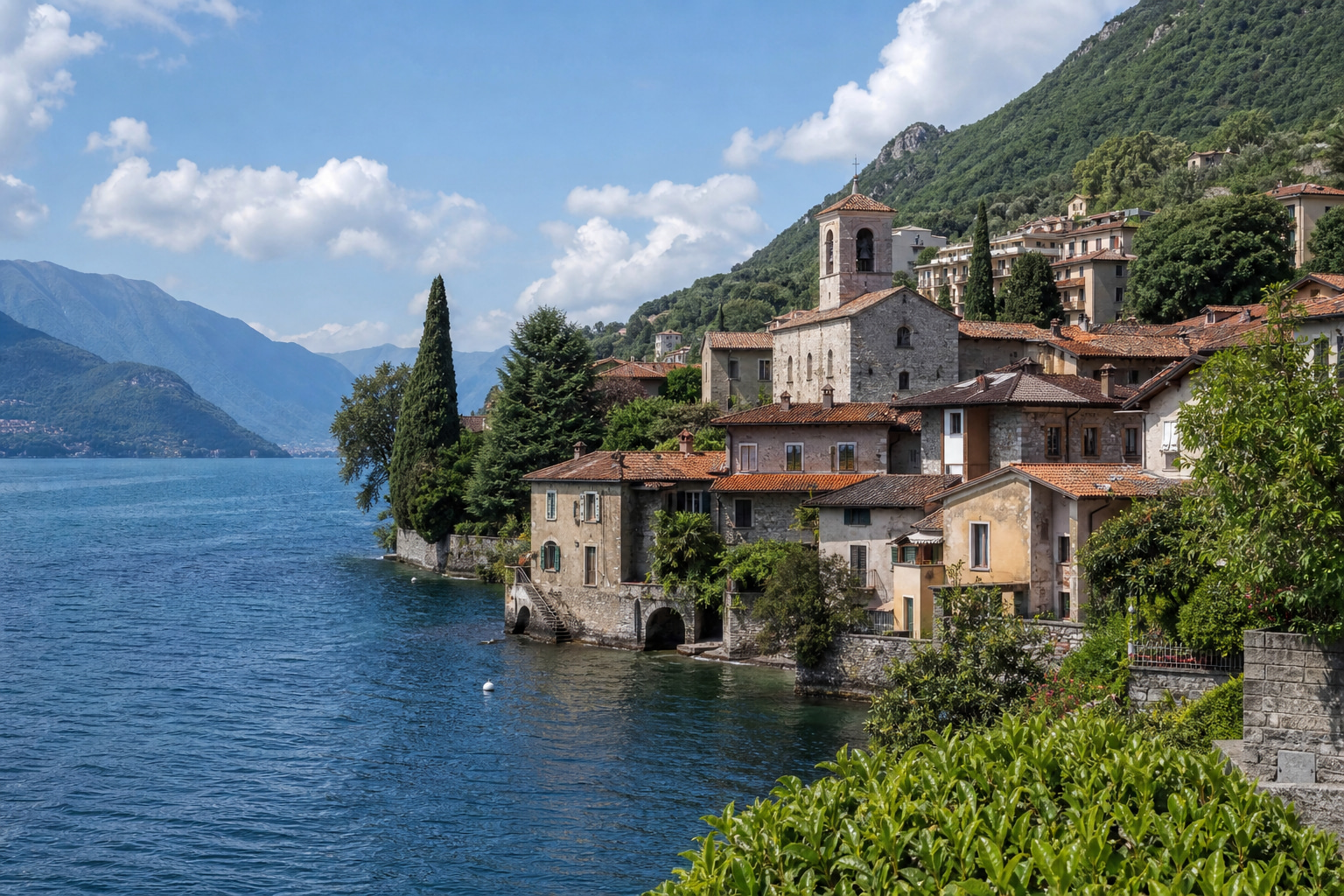
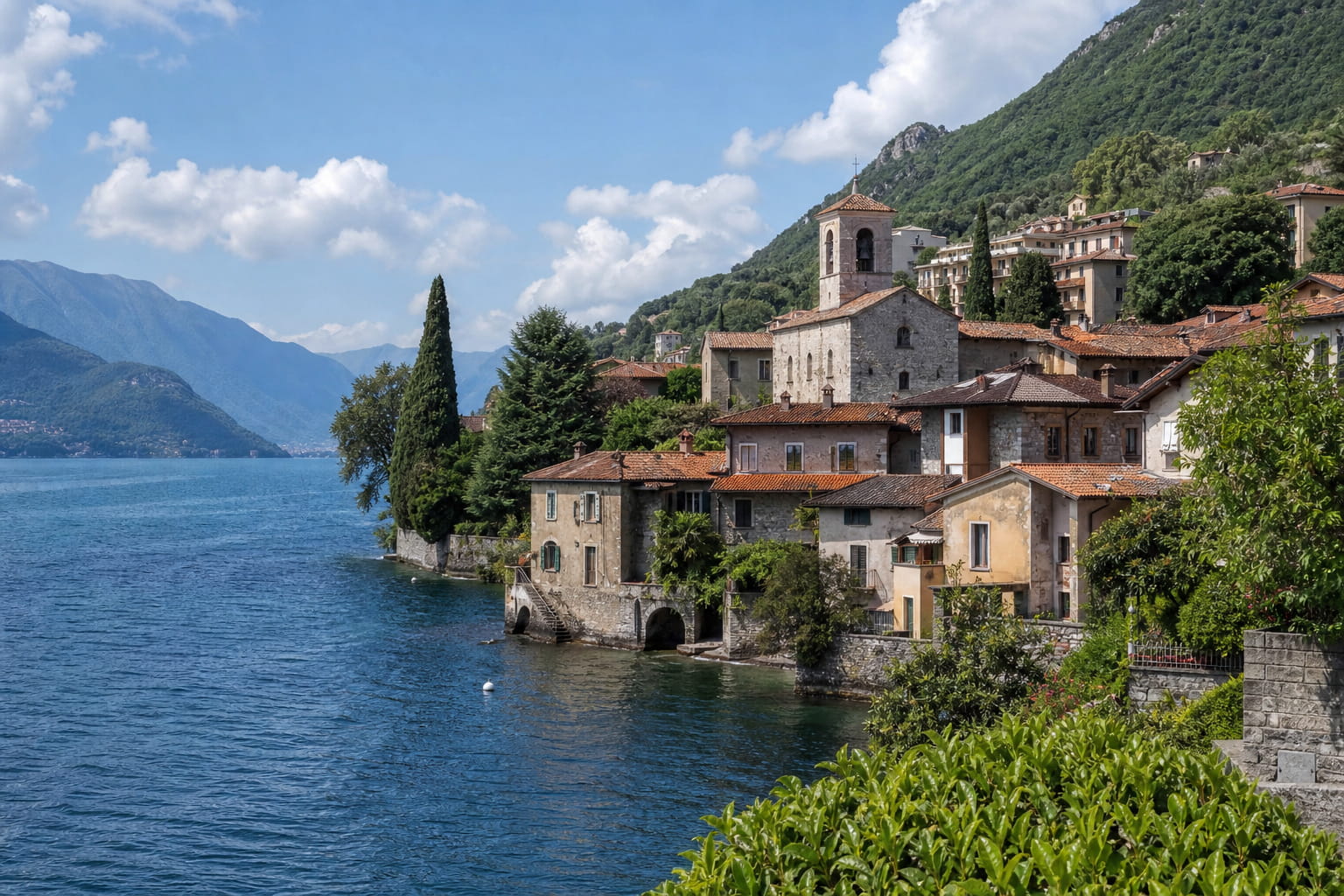
Use a higher value when detail matters more. Use a lower value only after checking the photo.
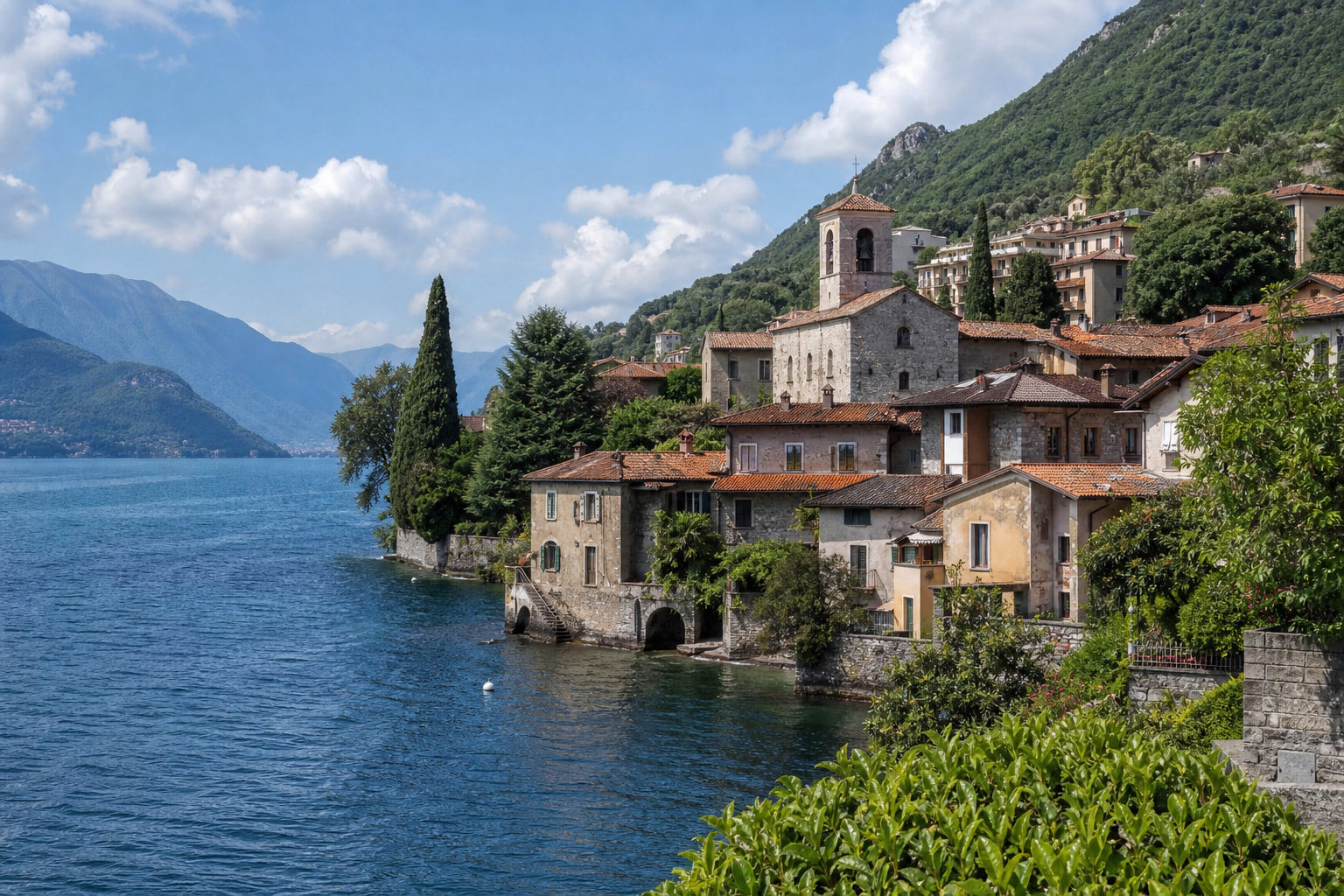
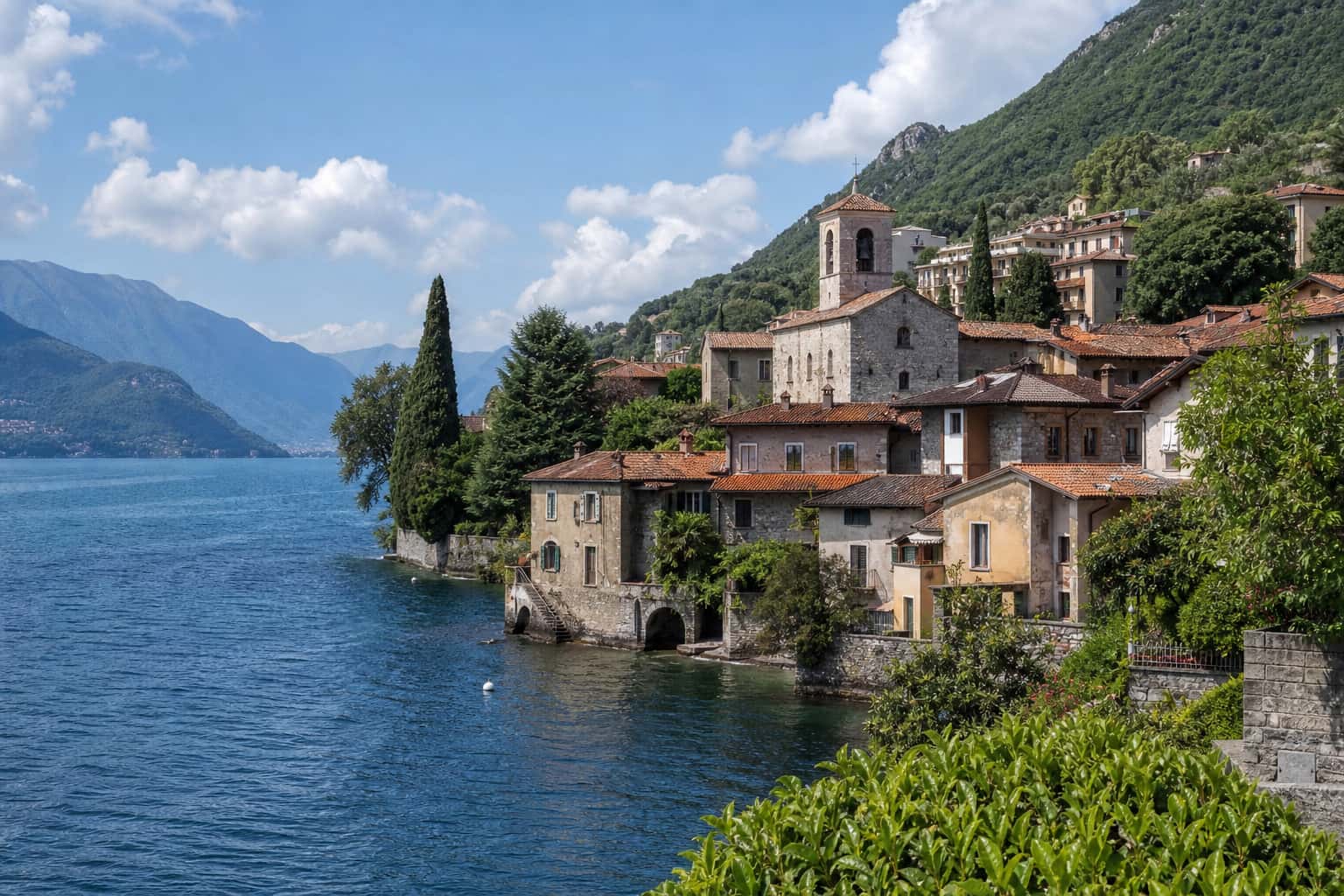
File size and visible changes vary by photo. Compare 90%, 80%, and 60% quality to find the smallest result that still looks good.
Enter a target only when the website, form, or email service tells you the maximum file size it accepts.
JPG works best for ordinary photos where a smaller file matters more than keeping every pixel unchanged.
Smaller photos are easier to send and receive.
Use a target size when a form has a stated file limit.
Reduce large photos before adding them to a page.