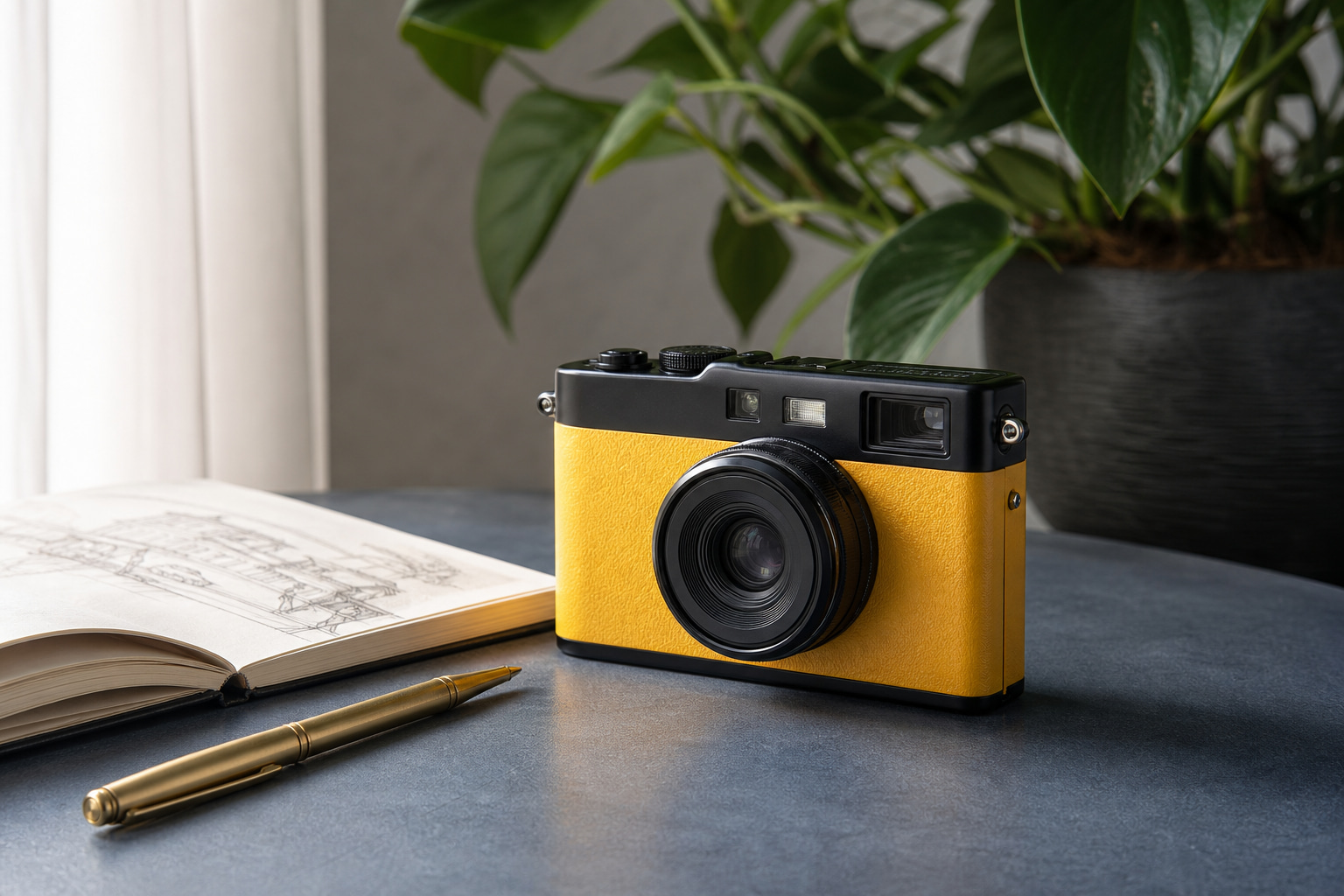
JPG input
The source JPG used for this browser conversion.
374 KB · 1536 × 1024
Create a WebP copy of a JPG for websites and services that accept WebP images.
Your images are processed locally in your browser. They are never uploaded to a server.
These are real files produced by the browser conversion flow at the default 80% WebP quality. File-size results vary with the source image.
The source JPG used for this browser conversion.
374 KB · 1536 × 1024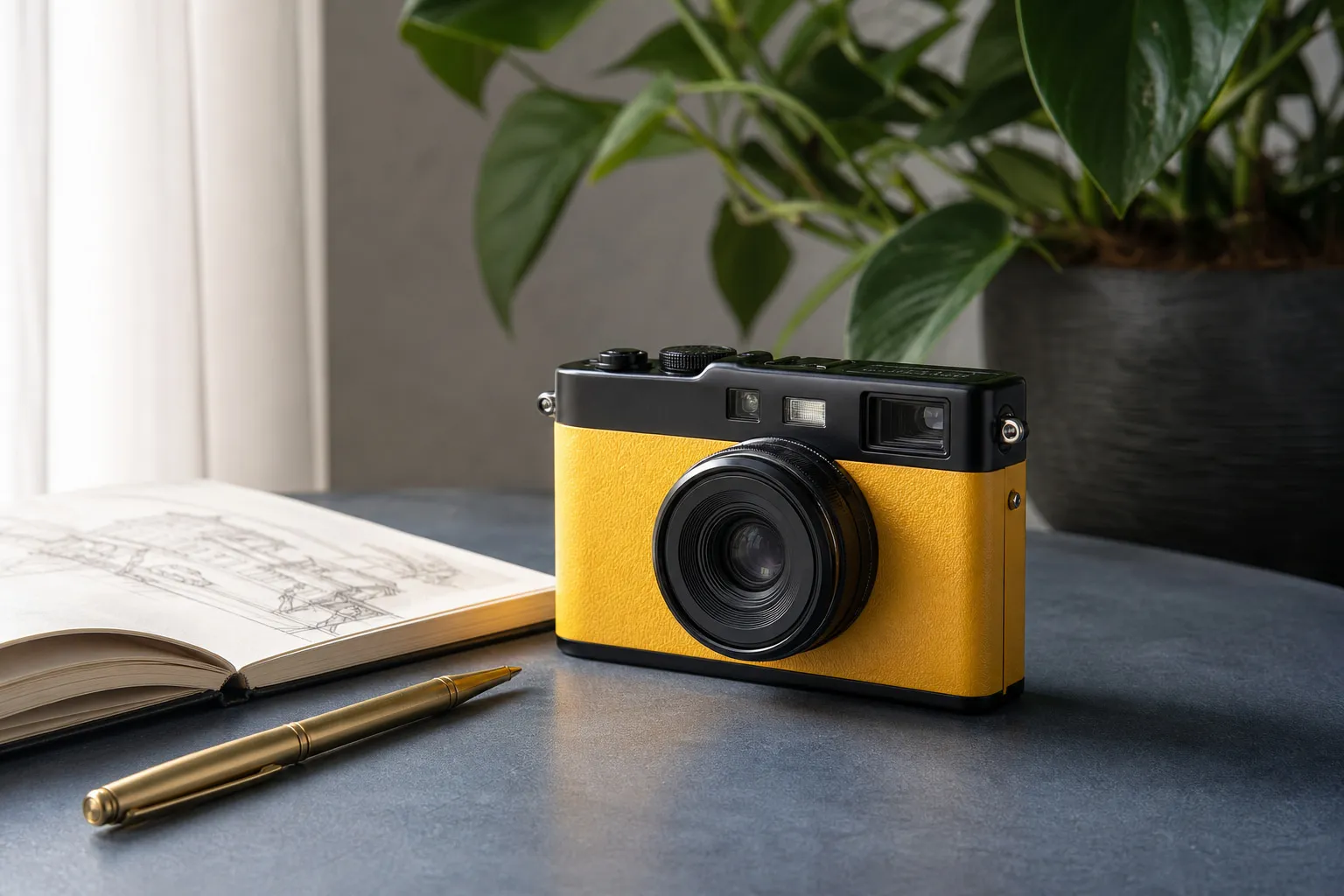
A WebP copy of the same image at the default quality.
103 KB · 1536 × 1024WebP can reduce the size of many photographs, but JPG remains useful when compatibility is the priority.
Create a WebP copy for the destinations that support it, while retaining the JPG as the compatible original.
Inspect the output before using a lower quality for a smaller file.
Choose WebP when the website or service accepts the format.
Reuse it for upload forms and tools that do not support WebP.