1. Add your PDF
Choose, drag, or paste one PDF file from your device.

Turn sideways or upside-down PDF pages to the correct orientation and save the change.
Your PDF is processed in your browser. It is never uploaded to a server.
Drop one PDF here, paste it from your clipboard, or choose a file. You can rotate one page, several pages, or the whole document.
PDF files only. Maximum 50 MB and 50 pages.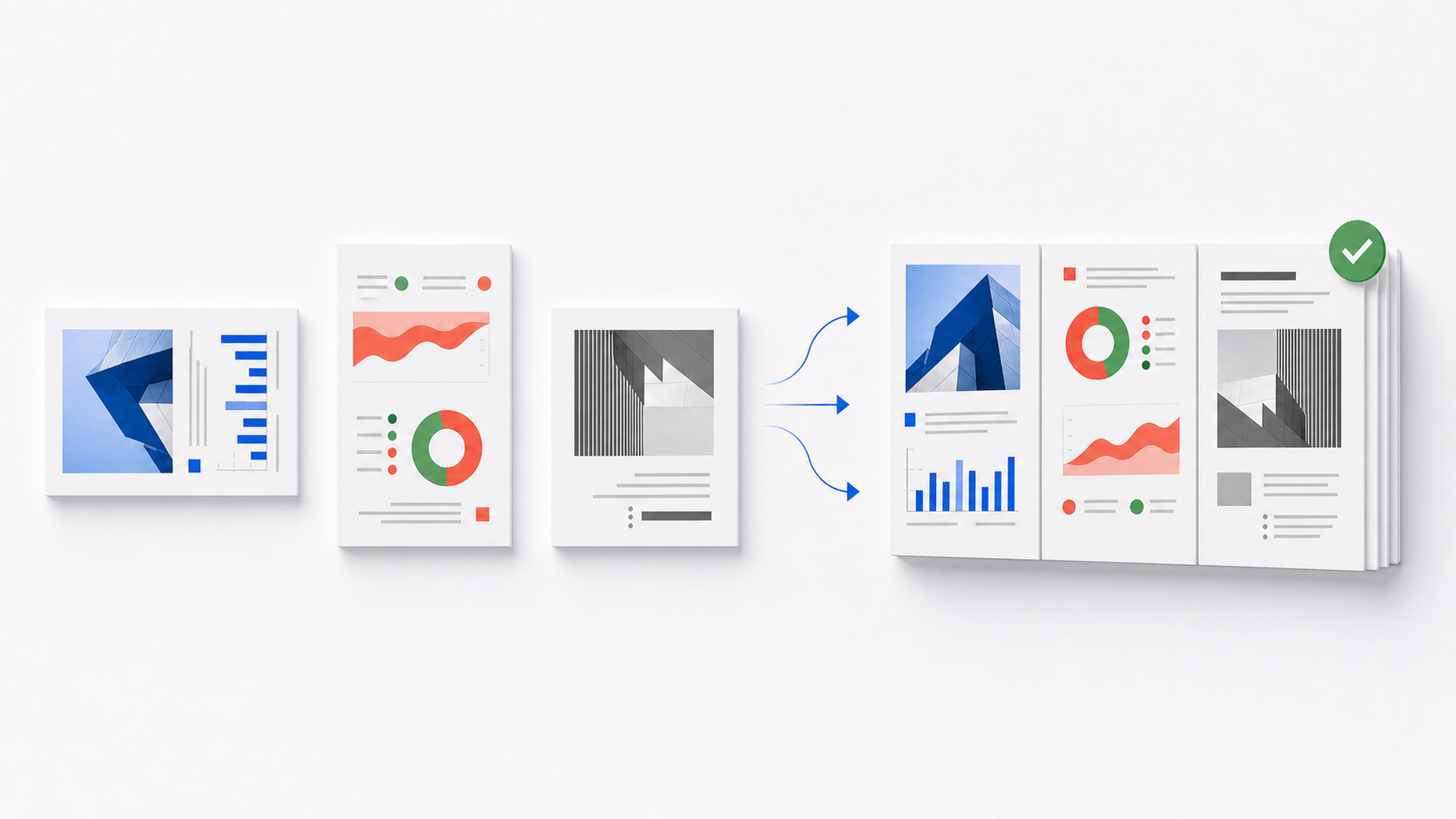
Every page thumbnail shows its saved orientation before you export. Select the exact pages that need the same correction, or use a page’s own arrows for a one-page fix.
Correct the orientation and create one updated PDF in three steps.
Choose, drag, or paste one PDF file from your device.
Select one, several, or all page thumbnails, then rotate left, right, or 180°.
Review every thumbnail, save the new orientation, and download one updated PDF.
Page-orientation mistakes usually come from scanning, photographing, combining, or filing documents. These examples show which pages to select and why the saved orientation matters.
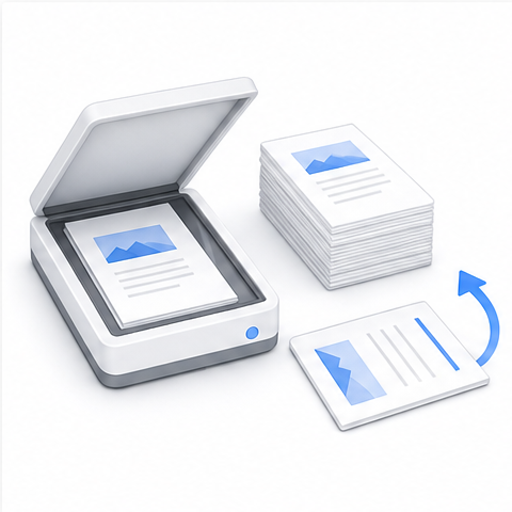
A feeder scanner may turn one receipt, form, or handwritten sheet while the rest of the batch is upright. Select only the incorrect page, rotate it 90°, and keep every other scan unchanged.
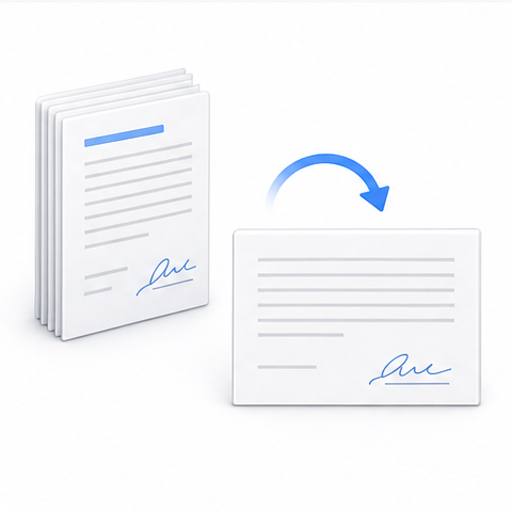
Signature sheets, notarized pages, and landscape exhibits are often scanned from different directions. Correct the affected pages before sending the contract for countersigning, legal review, or HR archiving.
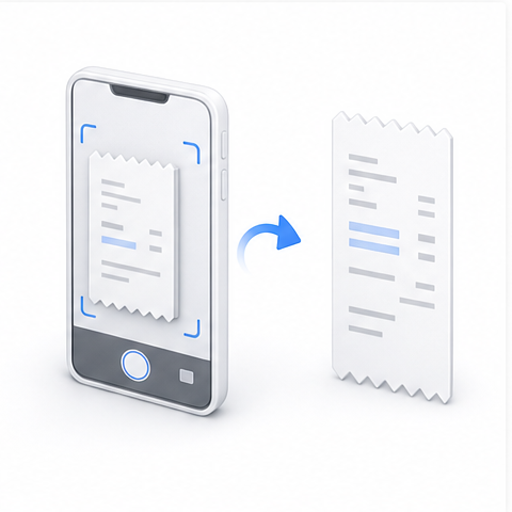
Mobile scanning apps can save a receipt sideways or upside down when the phone orientation changes. Rotate those pages permanently so expense reviewers can read the PDF without turning their screen.
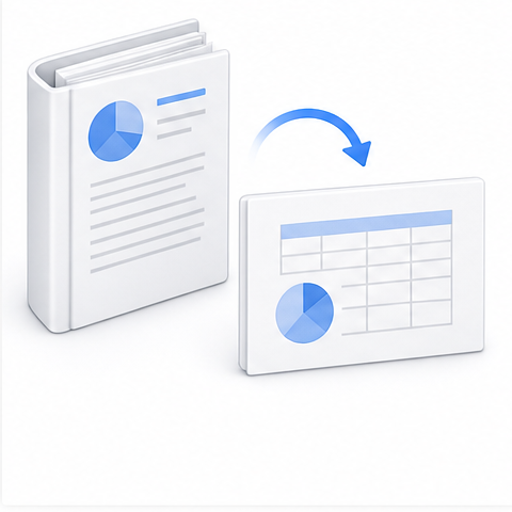
Reports often mix portrait text with landscape tables, plans, or presentation slides. Rotate only the wide pages that open incorrectly while preserving the document’s page order and contents.
Visa, insurance, school, and government portals may reject or misread documents that open sideways. Review each ID, certificate, and evidence page, then save them in a consistent readable orientation.
Bank statements, tax forms, court filings, and client records may be unsuitable for third-party upload services. Rotate the pages locally in your browser and download the corrected PDF directly to your device.
The PDF is read, previewed, rotated, and exported inside your browser. Contracts, IDs, statements, and forms stay on your device, with no account, email address, or watermark required.
The tool changes each selected page’s orientation without compressing it or turning it into an image. Text, vectors, images, annotations, and page dimensions stay in the PDF; existing digital signatures may become invalid after any edit.