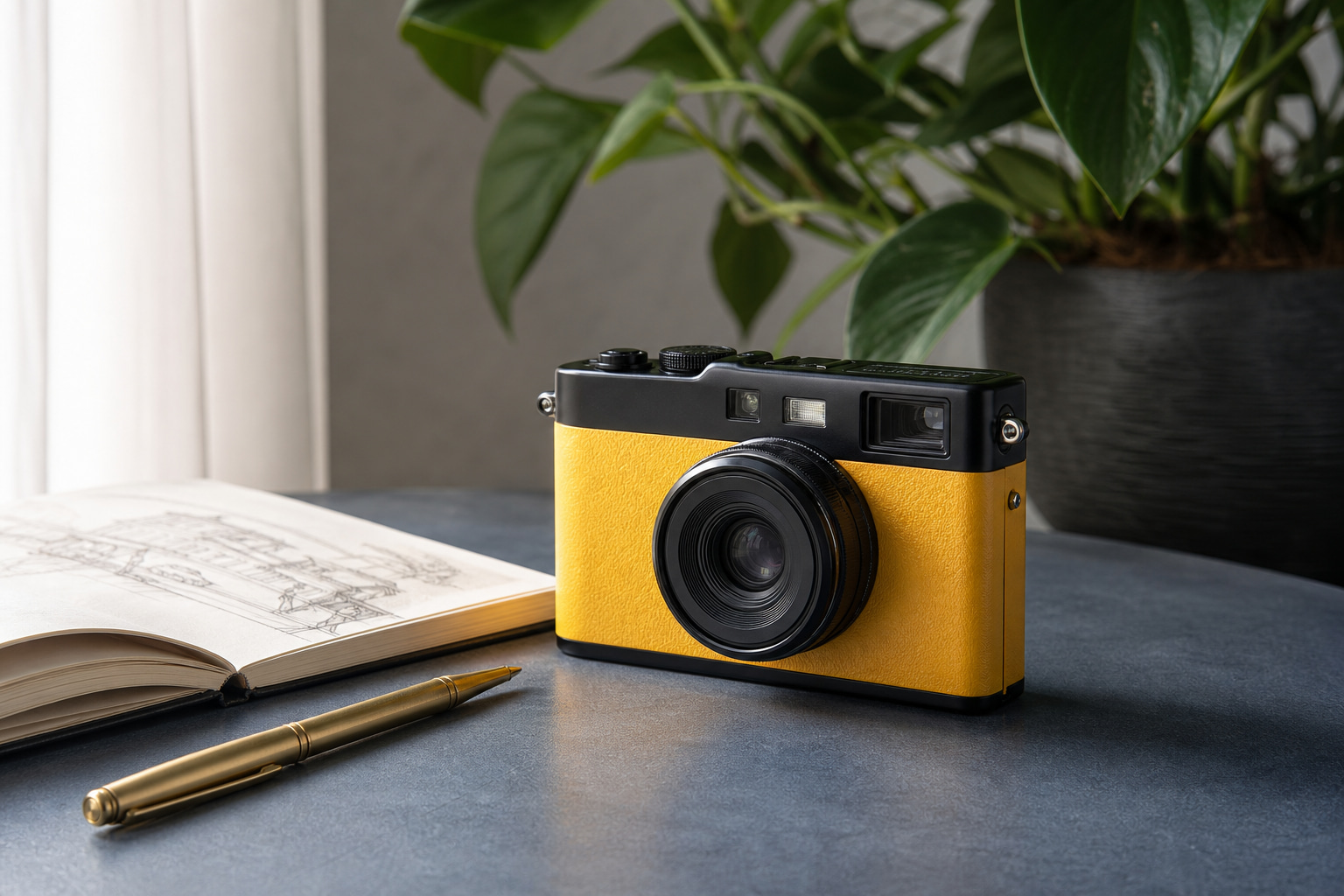
JPG input
The original JPG used for this example.
374 KB · 1536 × 1024
Save a JPG as a PNG when a website or workflow specifically asks for PNG format.
Your images are processed locally in your browser. They are never uploaded to a server.
These are real files from the browser conversion flow. The conversion changes the file format; it does not restore detail lost in the JPG.
The original JPG used for this example.
374 KB · 1536 × 1024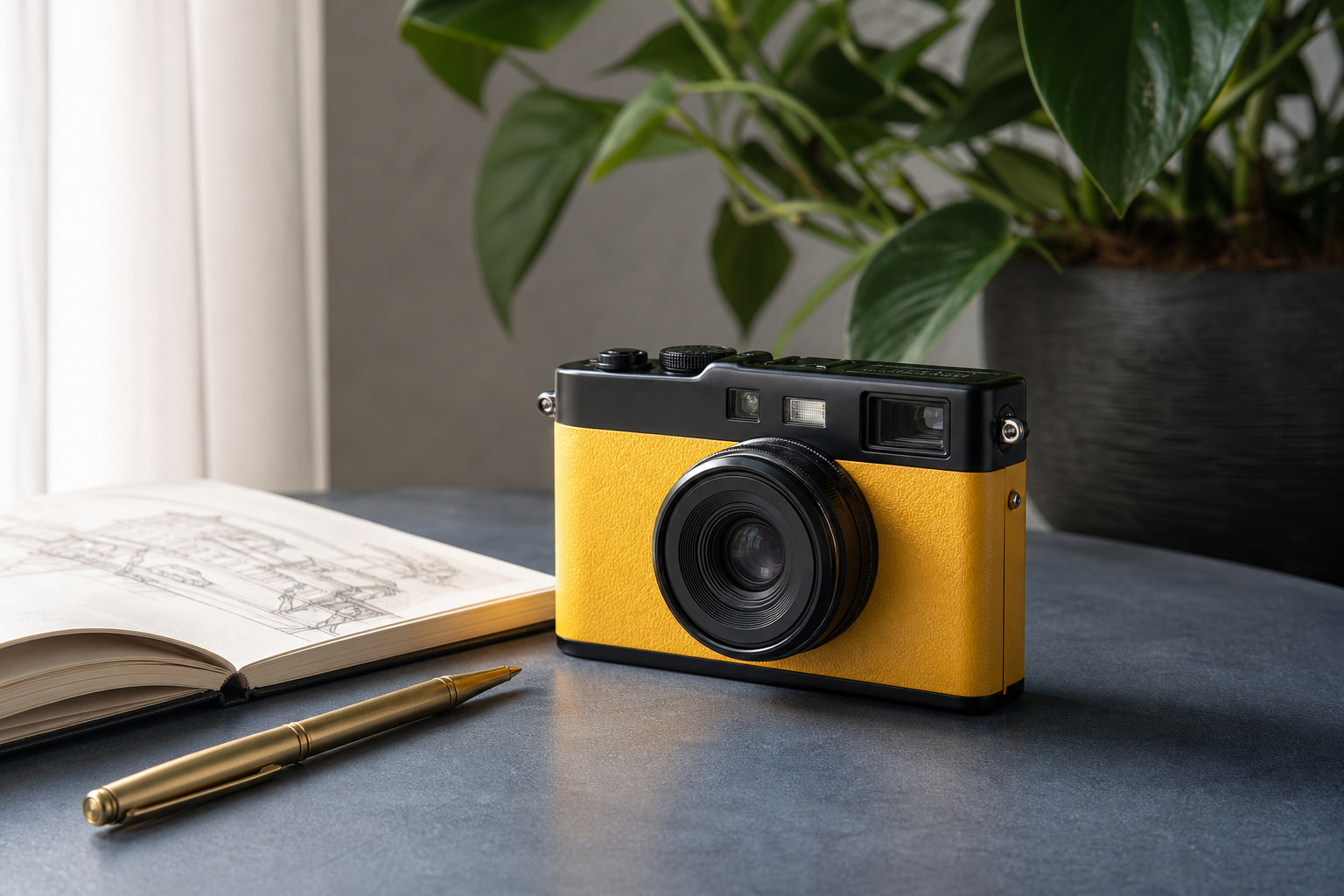
The converted PNG keeps the same visible pixels.
1.40 MB · 1536 × 1024PNG can be larger than JPG for photographs. Convert when the destination specifically needs PNG, not to make a photo sharper.
Choose the output format based on what the website, app, or workflow accepts.
The tool creates a PNG copy in your browser. It does not change the subject or add missing image information.
Use it when the destination requires a PNG file.
A JPG has no transparent pixels, so conversion cannot create them.
A PNG copy of a photo can be substantially larger than the JPG.