Your image is not uploaded
Reading and detection happen locally in your browser.

See an image’s source, AI-generation declarations, edit history and privacy metadata while its pixels are automatically checked for AI-generated features.
Your images are processed locally in your browser. They are never uploaded to a server.
See readable source information, AI-generation declarations, editing software, camera details and location data.
Reading and detection happen locally in your browser.
Check where an image came from, whether it declares AI use and how it was edited.
Each finding is explained clearly, including technical fields.
The pixels alone often cannot answer reliably.
Generated images are increasingly realistic, while ordinary photos may be edited or compressed. Checking source and AI-generation declarations before comparing the AI feature score gives you more useful context than looking only at hands, text or lighting.
See whether the image records its source, AI generation, editing software or AI-like pixel features.
See the recorded creator, tools used and whether the signature verifies.
Look for file information declaring AI generation or AI editing.
See recorded software, editing actions and dates.
Automatically checks texture, edges and details and gives an AI feature score.
Each result says what was found in the file and how to interpret it.
You can review the creator and edit process recorded in this file.
The file explicitly records generative AI information and its source.
The pixels are closer to common AI-generated features. Compare with source information.
A screenshot or forwarded copy may have lost the information. Try the original file.
The pixels may look the same after forwarding, downloading and screenshots, while source, device and edit records gradually disappear.
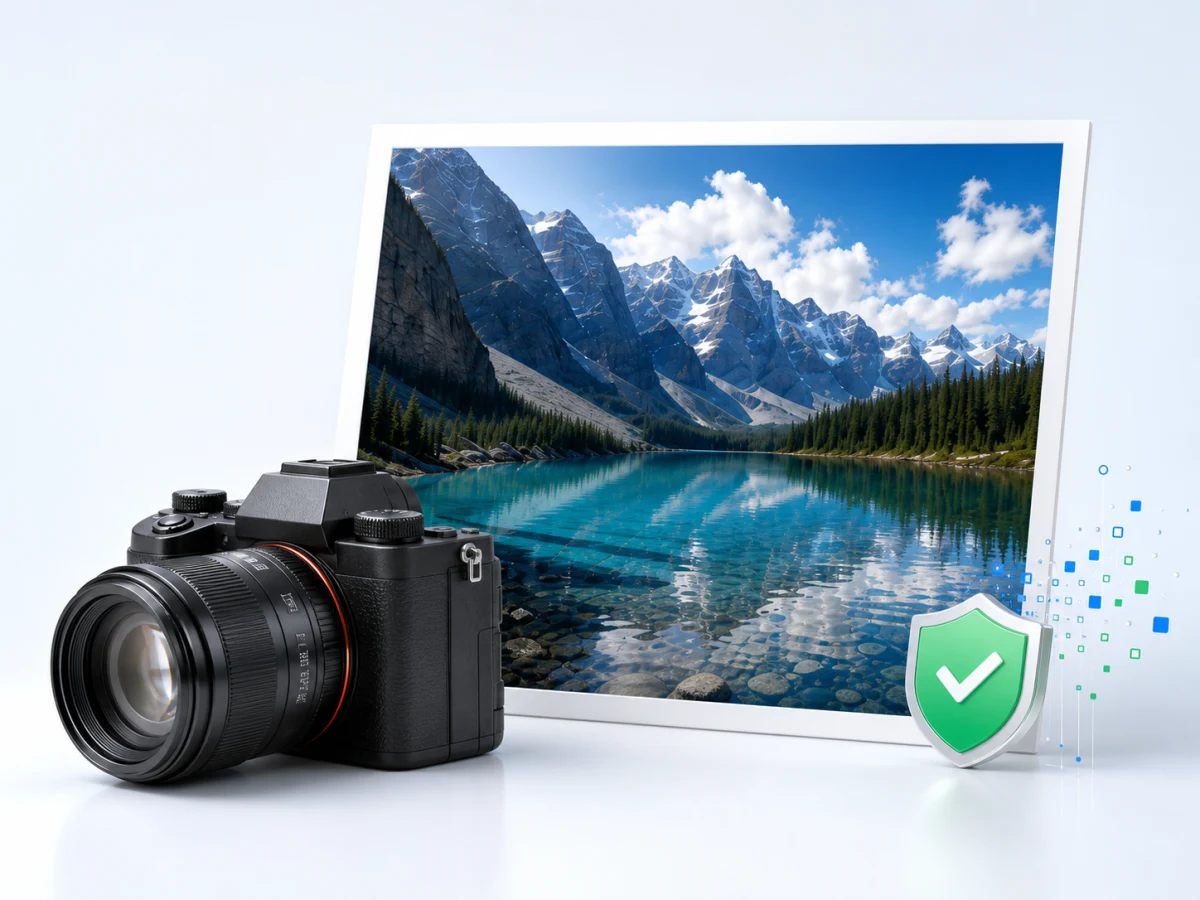
More likely to retain source, camera, AI-generation declarations and editing software.
Usually the most information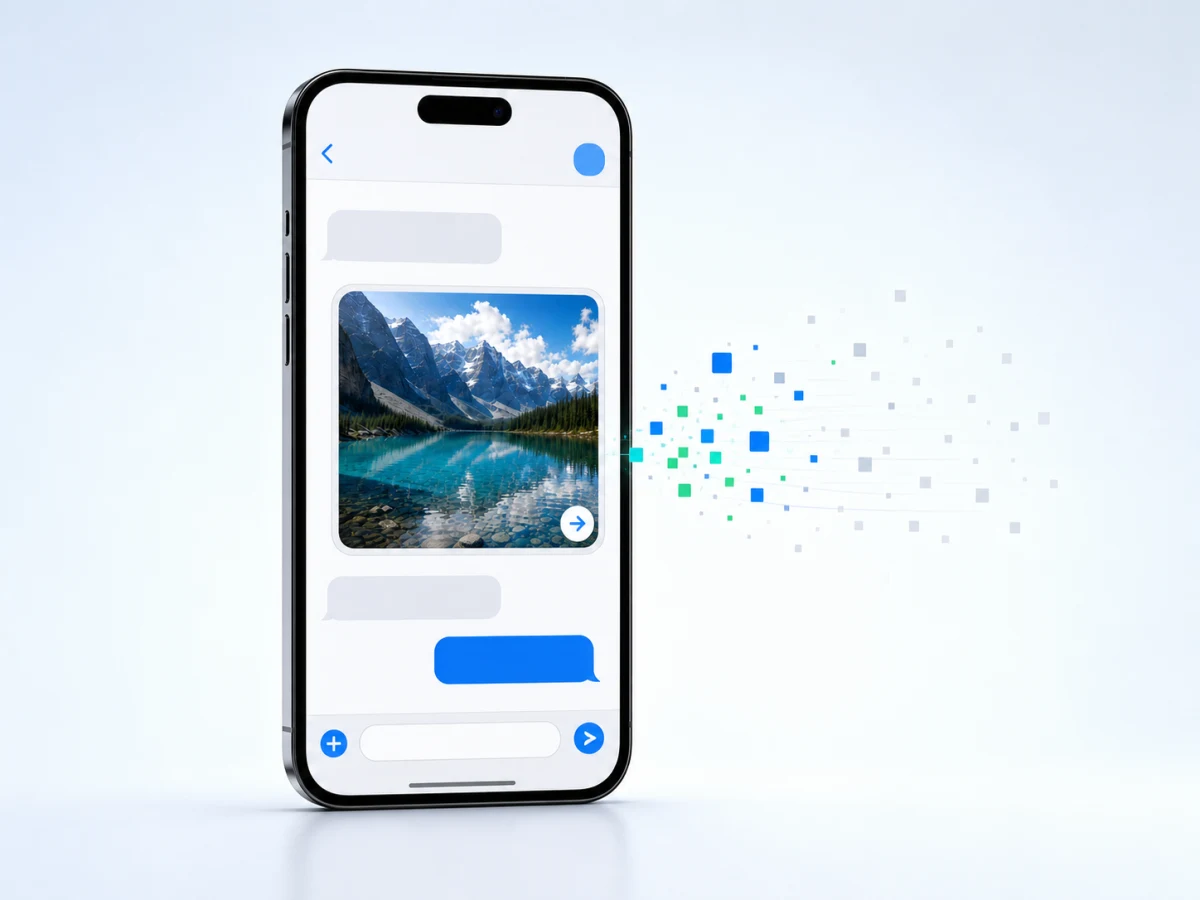
Recompression may remove some device and editing information.
Some information may be lost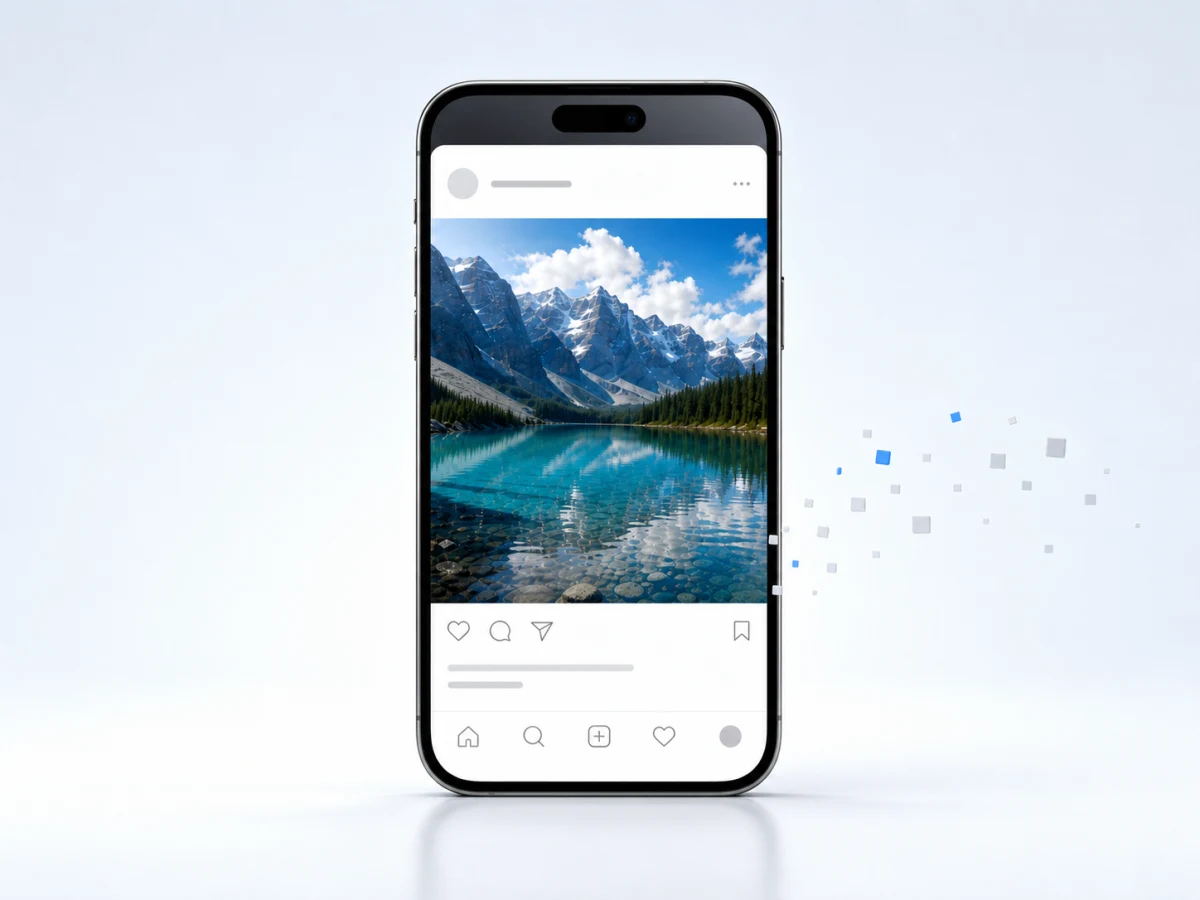
After platform conversion, fewer source and edit records usually remain.
Usually little information remains
Usually only the visible pixels remain; source, device and edit history are often gone.
Usually only the picture remainsSource, device and editing-software information is usually stored inside the file. These actions may remove it:
If this file has no source information, checking the original image is usually more useful.
After you choose an image, its source, metadata and AI feature score appear automatically.
Use a JPG, PNG or WebP that has not been screenshotted, forwarded or resaved when possible.
See where it came from, whether it declares AI use and what edits were recorded.
Compare the automatic score with the source information and declarations.
Both AI images and camera photos can be compressed, filtered, edited and resaved. A single signal can easily mislead.